Can You Withdraw Cash Without a Card in South Korea?
A cardless ATM withdrawal in Korea usually works through a specific bank or app. If your money is in a bank account back home and you don’t have the card, check which bank or app the ATM supports.
A NAMANE balance that’s available for withdrawal gives you one way to get cash. If you’ve lost your card, your bank may be able to arrange emergency cash instead. There’s also the option of a money transfer for cash pickup, as long as the receiving location accepts your ID.
Table of Contents
Which option fits your situation?
Getting cash with the NAMANE app
NAMANE lets you withdraw from your Pay balance using a code from the app, according to its October 15, 2026 announcement. This is money held in NAMANE, not a direct withdrawal from your overseas bank account.
For a card already registered in NAMANE, the withdrawal screen shows whether you can use the service and how much you can take out. From there, the steps are:
- In the app, Wallet → ATM Withdrawal shows the withdrawal option. Entering an amount generates a six-digit verification code.
- On an ATM that supports NAMANE, the menu is Point/Smart Transaction → NAMANE → App Withdrawal.
- The ATM asks for your eight-digit date of birth (YYYYMMDD) and the six-digit code to complete the withdrawal.
The app lists the fees and limits. To find a supporting ATM, the app’s chat support can help with: “Which ATM near [your hotel or station] supports NAMANE App Withdrawal?” NAMANE’s card-issuing kiosks are different from withdrawal ATMs, so the kiosk map won’t answer that question.
If you haven’t set up NAMANE yet
If you’re new to NAMANE, its setup guide starts with getting a card and adding it to the app. Its membership update, effective October 15, 2026 (in Korean), includes convenience-store ATM withdrawal for Easy Members, who sign up with email verification.
Visitors upgrading to Verified Member use a passport scan and selfie check. Email signup and that identity check are separate steps; the app’s withdrawal screen shows the options and limits available to your account.
For adding money, NAMANE’s official FAQ names Mastercard and JCB for in-app top-ups. It doesn’t name Visa or American Express in that answer, so support for those cards is still unclear.
Adding money and taking cash out are two separate things. NAMANE’s public ATM notice and top-up guide don’t clearly say whether you can withdraw money added with an overseas card.
The app’s chat support is the place to ask: “I’m visiting Korea and don’t have a Korean bank account. Can I withdraw money topped up with my overseas card? What verification and fees apply?” Until that’s confirmed, topping up could leave you with money to spend through NAMANE but no cash. Questions can also go to cs@i-aurora.co.kr.
If you don’t have a usable NAMANE balance
The next two options involve collecting cash from a location arranged by the provider. You won’t be withdrawing directly from your overseas account at an ATM.
Emergency cash through your card issuer
If your card is lost or stolen, the bank or company that issued it is a good place to start. Through its official app or international support team, you can report the card and ask: “Do you offer emergency cash in South Korea? How much can I collect, where, and what ID do I need?”
Visa can help arrange emergency cash with your card issuer. The request needs your issuer’s approval. If it’s approved, you’ll get the amount, timing, pickup location, and details of any fees or interest. If the service isn’t available for your card, you can ask about a replacement or look into cash pickup through a money transfer.
Mastercard’s assistance service also lists emergency cash advances. For eligible US Amex cardholders, Global Assist includes help arranging emergency cash wires. The issuer or assistance team needs to confirm whether your particular card qualifies, whether collection is available in Korea, and what it costs. The team arranging your cash will give you a pickup location. An ordinary ATM map won’t show where to collect an approved emergency payment.
A digital replacement card may help you pay for things, but it isn’t automatically a way to withdraw cash at a Korean ATM.
A money transfer for cash pickup
Someone sending you money may be able to choose cash pickup through Western Union. Its Korea receiving guide lists this separately from bank-account transfers: you collect the money from an agent, rather than having it paid into a Korean account.
The Western Union location finder for Korea helps you look for an agent near your hotel or neighborhood. Before a transfer is sent, that location needs to confirm that it can pay you in cash. You could ask: “I’m a tourist without a Korean residence card or bank account. Can I collect a cash transfer here with my passport? Do I need any other documents?” The same conversation is a good time to ask about opening hours and which currency you’ll receive.
Once the agent confirms that it can pay you, the sender can choose cash pickup in South Korea. The recipient name needs to match your ID. The sender will see the fee and exchange rate before confirming the transfer.
At pickup, the agent will ask for the required photo ID, the MTCN (transfer tracking number), the sender’s name and country, and the amount. Once those details have been checked, the agent can hand over the cash.
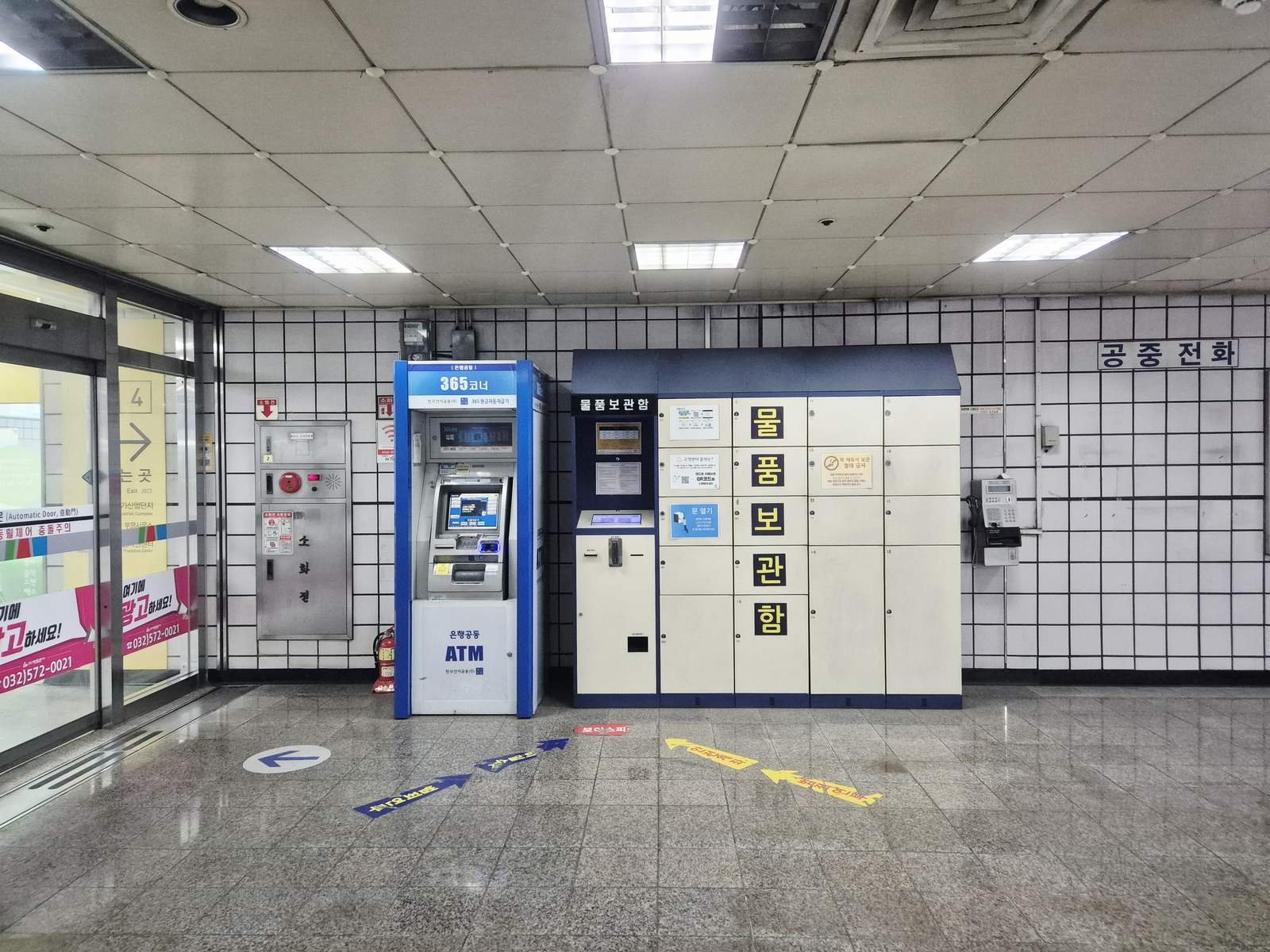
Image credit: Galsan Station ATM photo by Narubaru7, CC BY 4.0; resized for web.
What if you use Apple Pay, Wise, or Revolut?
A card saved in your phone’s wallet can work differently from a virtual card created in a banking app. Wise and Revolut have different withdrawal rules, too.
| What you use | What the provider says | What that means in Korea |
|---|---|---|
| Apple Pay or Google Wallet | The underlying card and ATM both need to support the withdrawal. | Being able to pay at a shop doesn’t show that you can withdraw cash at a Korean ATM. |
| Wise digital card | Wise allows withdrawal through a mobile wallet at an ATM that supports contactless withdrawals. | A compatible Korean ATM would still need to be confirmed before you rely on this for cash. |
| Revolut virtual card | Revolut says virtual cards cannot be used for ATM withdrawals. | A new virtual card won’t replace a missing physical card for getting cash. |
| A physical Revolut card added to a phone wallet | Revolut allows this at ATMs that support contactless withdrawals. | This is different from a virtual card, and still needs a compatible Korean ATM. |
Wise’s digital-card guide and Revolut’s US withdrawal guide explain these differences. Neither names a Korean ATM where visitors can use phone-based withdrawals. In Revolut, the nearby-ATM search is under the cards icon at the top right of the home screen, then Find ATMs nearby. A result there shows a location, not a guarantee of phone-based withdrawal.
Wallet payments may still help while you arrange cash. Our cash vs. card guide covers everyday payments and where cash is useful.
What about a Korean ATM’s “cardless” button?
Menus marked 무카드, 스마트출금, or 모바일출금 usually refer to a particular bank or app service. For example, Hana’s cardless service requires an eligible account and advance registration. Choosing the menu doesn’t connect it to your overseas account.
Finding an ATM near you
If you still have a physical card, the official network locators are a useful starting point:
- Visa Global ATM Locator — for cards on the Visa network.
- Mastercard ATM Locator — for Mastercard, Maestro, and Cirrus cards.
- American Express ATM Locator — for participating Amex ATMs; your card’s cash-access requirements still apply.
The Visa and Mastercard search tools accept a city or address, such as your hotel address or “Seoul, South Korea.” If the map won’t load, Naver Map can help you find an ATM near your hotel or station and see how to walk there.
These maps show where the machines are. Whether your card works there—and whether the ATM supports withdrawals through a phone or NAMANE—is a separate question.
With a physical overseas card
The exact menu varies, but an ATM that accepts your card will usually take you through these steps:
- An English-language or international-card option leads to the overseas-card menus.
- The machine asks for your card and PIN, then how much you want to withdraw.
- You’ll see the ATM fee and any offer to convert the amount into your home currency before confirming. With a credit card, your issuer may also charge cash-advance fees and interest.
A card being rejected is a different problem from having no card. Foreign-card support varies between machines, even within the same bank. Your issuer can check whether overseas withdrawals are enabled, whether you’ve reached a limit, or whether the card is blocked.
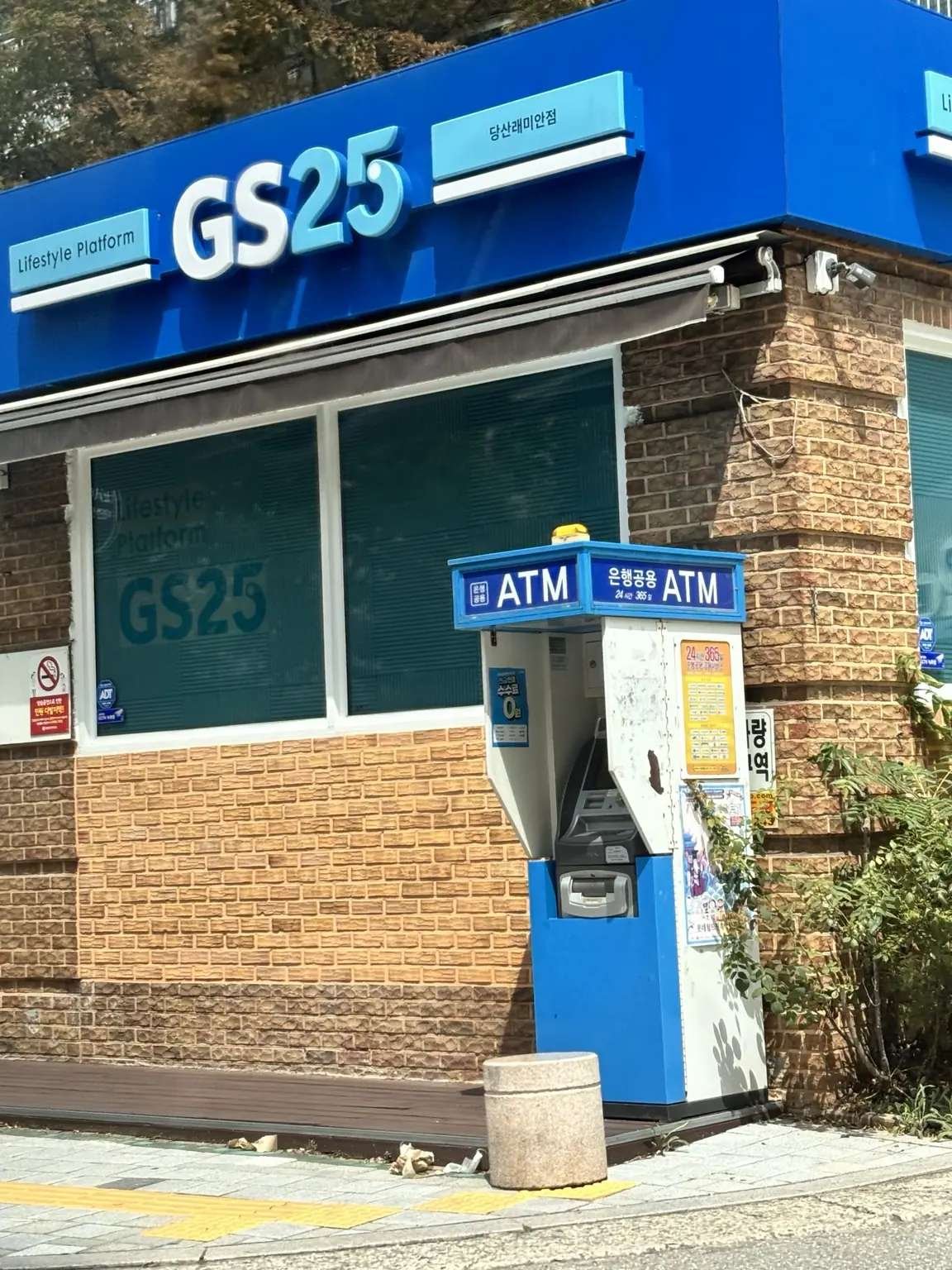
Korean words you might see
| On the screen | What it means |
|---|---|
| 무통장 / 무카드 | Without a bankbook / without a card; the service may still require a specific account or registration |
| 앱출금 / 모바일출금 | App withdrawal / mobile withdrawal |
| 인증번호 | Verification code |
| 생년월일 | Date of birth |
| 수수료 | Fee |
| 출금가능금액 | Amount available for withdrawal |
| 잔액조회 | Balance inquiry |
Official sources
- NAMANE — App-based ATM withdrawal announcement
- NAMANE — Service manual and card setup
- NAMANE — Membership update and Easy Member ATM access (Korean)
- NAMANE — Membership and identity-verification terms
- NAMANE — International debit and credit card top-ups
- NAMANE Store — Official FAQ, overseas-card top-ups
- Wise — Digital cards and contactless ATM withdrawals
- Revolut US — ATM withdrawals and virtual-card restrictions
- Mastercard — Cardholder assistance and emergency cash
- American Express US — Global Assist
- Visa — Lost cards and emergency cash assistance
- Western Union — Receiving money in South Korea
- Hana Bank — Cardless service requirements
- Institute for Basic Science — Using ATMs in Korea
Information checked October 24, 2026. Available services, fees, limits, and ID requirements vary by provider.