Do You Need a Korean Phone Number for Your Trip?
You may not need one if your bookings use email and your plans don’t depend on local calls or texts. A Korean number helps when a restaurant or business needs to reach you, but it won’t automatically get you through an app’s identity check.
Table of Contents
When a Korean Number Helps
| Your plan | What to arrange |
|---|---|
| Maps, translation and email confirmations | An internet connection is enough for these. |
| A restaurant that calls or texts when your table is ready | A number its waiting system accepts, or another way to get the alert. |
| A clinic, salon or shop that needs to contact you | A number it can call, or an email or chat option it has agreed to use. |
| A delivery order | An ordering service you can sign up for, plus a way to contact you when it arrives. |
| A taxi booked through an app | A mobile number and payment method the app accepts. |
| An app asking for 본인인증 | Its identity-verification requirements; a tourist number alone may not qualify. |
Your usual overseas number may be enough when a booking service accepts it and you can receive its messages. Look for a country-code menu on the form. If it only accepts Korean mobile numbers, adding 010 to your overseas number won’t make it work.
For a taxi, you can start signing up for k.ride with Google, Apple, or email, but it still asks for a mobile number. Check whether it accepts your country code and number. k.ride supports overseas cards and in-app chat, and you need to set up automatic payment before requesting a ride. If you can’t get set up, use an official taxi stand or ask the front desk to call a cab.
Does a Longer Stay Mean You Need One?
Your plans matter more than the number of days. A three-day trip can include a restaurant that needs a Korean number, while a two-week holiday may run entirely through email and app notifications.
Think of these as planning examples, rather than cutoffs:
| Length of stay | How to decide |
|---|---|
| A few days, such as 2–5 days | Sightseeing and email bookings may be fine without one. A local-only waiting list or callback can still make it useful. |
| A week or two | Several appointments, deliveries or local callbacks can make a Korean number convenient. The extra days alone don’t make it necessary. |
| A month or more | For regular deliveries, classes or appointments, consider a number you can keep. Ask about validity and keeping the number when extending. |
If you’re coming to study or work, tell the provider which apps and services you’ll need. Being able to make calls is one thing; passing those services’ identity checks is another. A tourist plan lasting the right number of days may not cover both.
Can You Use the Phone You Already Have?
Often, yes—you don’t need to buy a Korean phone just to get a Korean number. Your phone needs to allow SIMs from other carriers (often called unlocked) and work with the plan you choose.
Send the seller your exact model and where it was bought, and ask whether both data and ordinary calls will work on that plan. A phone that supports eSIM isn’t automatically supported by every provider. Our Korea eSIM and SIM guide explains the compatibility and setup steps.
Can Tourists Get a Korean Number?
Yes—there are prepaid products made for visitors. For example, KT’s tourist SIM comes with an 010 number and accepts a passport as identification, so you don’t need a Korean residence card for that product. Use your name exactly as it appears on your passport. KT’s tourist SIM requirements
Receiving a call doesn’t mean you can call back. KT’s Data eSIM, for example, allows incoming calls and texts after its airport Entry Check, but doesn’t allow outgoing calls or texts. That’s a condition of this particular product, rather than a rule for everything sold as “data-only.” KT’s eSIM call and text conditions
Can Foreigners Use a Budget Mobile Plan?
Yes—some 알뜰폰 (altteulpon, or MVNO) plans accept foreign customers. An MVNO is a mobile provider, not a special kind of phone. It sells its own plans using a major carrier’s network.
Is signup straightforward?
It depends on the provider and the documents you have. KT M mobile, for example, asks foreign applicants to use staff-assisted activation. Its application page offers English guidance and says staff will contact you after submission. Ask staff which ID and payment method you can use before buying the SIM, and arrange a way for them to reach you. KT M mobile’s foreigner application guidance
Some prepaid plans let you register with your passport. With Chingu Mobile’s Basic Plan C, though, that line stops working when you leave Korea or your visa expires unless you’ve linked it to a residence card. The remaining balance isn’t refunded. Keep that in mind if your trip includes a visit to another country. Chingu Mobile’s plan conditions
When does it make sense?
For a stay of several weeks or months, a monthly or prepaid package may cost less than renewing short visitor packages. KT M mobile also lists SIM-only products without a fixed-term commitment. Compare the full cost, including any SIM charge, discount end date and final bill when you cancel. A low monthly price helps only if you can join the plan and use it for your stay. KT M mobile’s SIM-only conditions
A Text Code and an Identity Check Are Different
A code sent by text may simply confirm that you can receive messages. 본인인증 (bonin injeung) goes further: it means identity verification. When an app uses a mobile-carrier check, it compares your details with the information registered to the phone line.
If the screen asks for your carrier, legal name and date of birth, you may be in that second kind of check—even if it sends a text at the end. Buying a tourist number with your passport, or completing the carrier’s Entry Check, doesn’t mean that number will pass an app’s identity check.
LG U+ says its tourist voice/SMS service supports text verification for restaurant and taxi reservation apps, but not the identity checks used by banking or government services. The app you want to use still needs to accept your line. LG U+’s verification limits
Before you buy a SIM, check what the service asks you to do. For a callback, you need a number the service can reach. For a text code, you need a number the service accepts that can receive the code. If the app asks for your carrier and legal name to verify your identity, check whether your tourist line qualifies.
Joining a Restaurant Waiting List
At a restaurant with a waiting-list kiosk, it helps to sort out the alert before heading off for a coffee. Show staff your number and ask whether you can register with it, how they’ll call you, and how long they’ll hold the table once it’s your turn.
Without a Korean number, try:
“한국 번호가 없는데 대기 등록할 수 있나요?”
Hanguk beonhoga eomneunde daegi deungnokhal su innayo?
“I don’t have a Korean phone number. Can I join the waiting list?”
Staff may be able to put your name down another way. If that isn’t possible, ask whether waiting nearby or coming back without a reservation is an option.
Look for the restaurant in CATCHTABLE Global. You can sign up with Google, Apple, or email without a Korean number. If the restaurant offers remote waitlisting, check your place in the app or by email. Some reservations require a deposit you can pay with an overseas card, while joining a waitlist through CATCHTABLE Global doesn’t require a deposit. A restaurant’s own kiosk may still ask for a Korean number. CATCHTABLE Global booking and waitlist guide
Appointments, Tours and Shop Pickups
If a NAVER reservation or order offers passport verification, you can use a valid foreign passport without a Korean mobile number. Have your original passport ready for a photo and face check. Use the same name and birth date on your NAVER account as on your passport. See NAVER’s passport verification help.
For a clinic, salon, tour or an item held at a shop, agree on a contact method while booking. Ask whether the business can use email or the messaging channel listed on its official page.
An email confirming your booking may not tell you who to contact if you’re running late. Save the business’s preferred contact details with your confirmation, so you don’t have to work that out on the way there.
You can ask:
“이메일로 연락받을 수 있나요?”
Imeillo yeollakbadeul su innayo?
“Can you contact me by email?”
Delivery: A Number Is Only One Part of the Order
A Korean number can help a driver reach you, but you still need an app that accepts your signup, payment and delivery address. It’s easier to sort those out before you’re hungry and ready to order. Compare ordering options and payment requirements in our food delivery guide for visitors.
Shuttle lets you sign up with email without a Korean number, according to its official app listing. You’ll need to verify a number to use Shuttle credit. It also accepts major international cards and offers in-app support. Available restaurants depend on your address, so enter that first. Shuttle’s official app listing
At a hotel, ask reception where deliveries should be collected and whether staff can help if the driver calls. Use the hotel’s number only if staff agree to receive the call; it won’t give you access to a verification text sent to that number. Shuttle sends the receipt by email and texts the estimated delivery time to the number on your account if you’ve added one. If the hotel doesn’t accept deliveries or the driver can’t reach you, try ordering for pickup.
Booking Tickets Without a Korean Number
Start with the venue or organizer’s official booking page. If it provides an international booking option, read that option’s account and contact-number requirements before trying a domestic signup screen.
Being able to register a phone number doesn’t replace fan-club verification or the ID required at the door. For an event with one of those extra checks, the organizer’s instructions matter more than a general claim that a SIM works for ticket bookings.
Entering a Korean Number on a Form
Save your Korean number somewhere you can easily show staff. When you enter it on a booking form, the country-code field makes a difference.
For a domestic field, use the number in the format the form shows, such as 010-XXXX-XXXX. In international format, that becomes +82 10-XXXX-XXXX, with the first zero removed. If the form already supplies +82, don’t add the country code again. Visit Seoul’s dialing guidance
If Your Number or Verification Code Is Rejected
First work out where it failed:
- The form won’t accept the number: match its country-code and number format. If it only accepts Korean numbers, look for the service’s international booking route or ask the venue for an alternative.
- The number is accepted, but no text arrives: confirm with the carrier that incoming SMS is active and any entry check is complete. Then ask the app’s support whether that tourist line is supported.
- Ordinary texts arrive, but 본인인증 fails: ask the service whether it offers a visitor or passport-based option. Requesting another code won’t resolve a line that isn’t eligible for the check.
Using a friend’s number means booking changes and alerts may go to them. It also won’t make their phone subscription match your identity. For a booking that only needs a contact number, agree on the arrangement with your friend and the venue first.
For help explaining the situation in Korean, the Korea Tourism Organization’s 1330 Travel Helpline offers travel information and interpretation, with online chat through its official page.
Once you’ve arranged how each booking will contact you, save those details with your confirmations. You’ll know where to look if a message doesn’t arrive.
Sources and Checking Notes
Official guidance checked October 21, 2026. CATCHTABLE Global, Shuttle, k.ride, and the LG U+ verification guidance were checked again on November 9, 2026. App features and carrier conditions can change, so use the details for your plan, booking and venue.
- LG U+: tourist-SIM calls, texts and verification limits
- KT: tourist eSIM and airport Entry Check
- KT: tourist SIM passport and number requirements
- KT M mobile: foreigner signup and SIM-only conditions
- Chingu Mobile: passport-line conditions
- KT M mobile: staff-assisted foreigner applications
- KT M mobile: using a SIM-only plan without buying a phone
- Apple: carrier unlocking
- CATCHTABLE: developer’s global app description
- Shuttle: developer’s signup and verification conditions
- Visit Seoul: domestic and international dialing
- KTO: 1330 Travel Helpline
Photo Sources
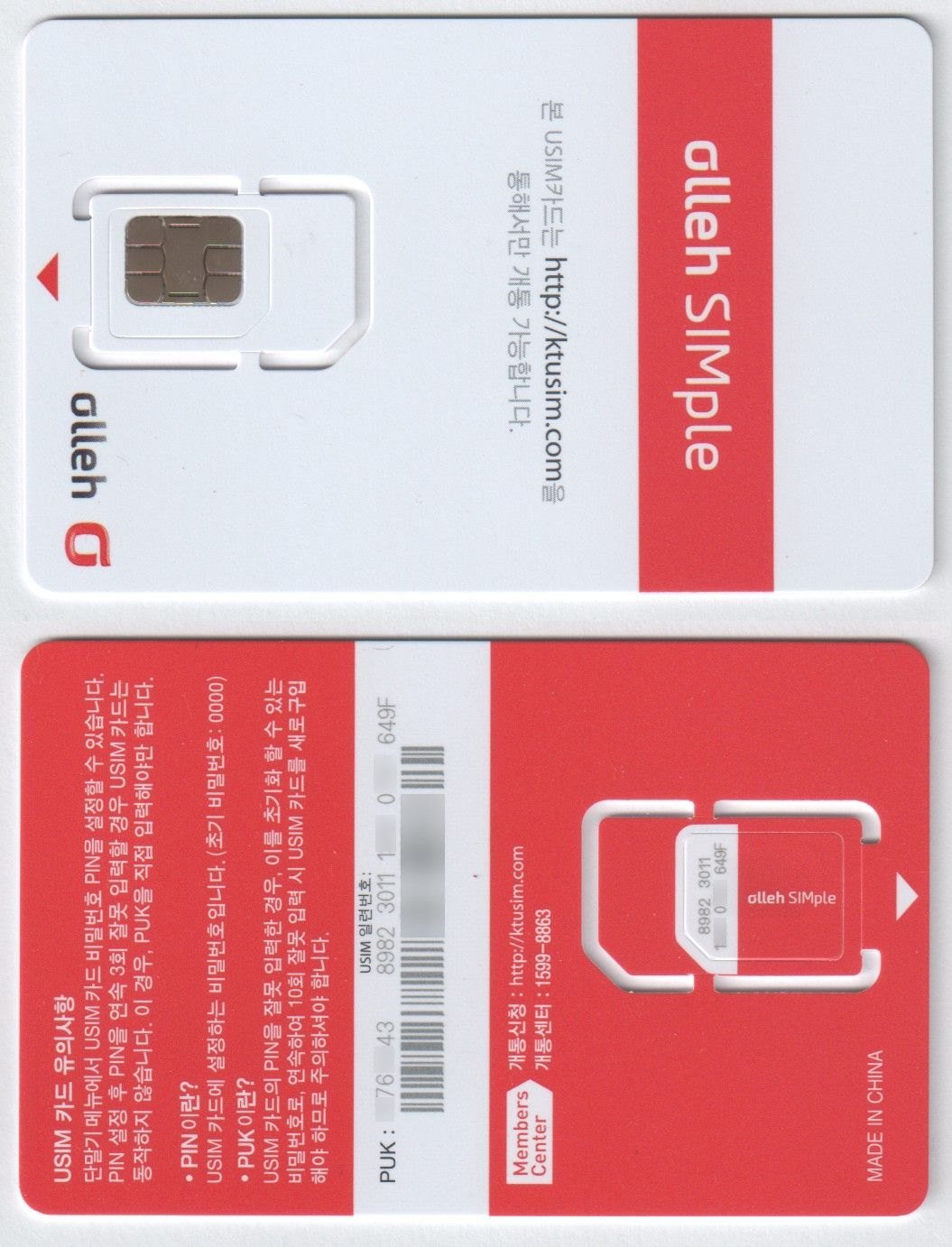
Korean KT USIM image — Photo: 웹브라우저, CC0 via Wikimedia Commons.