Tableing Korea Guide 2026: Restaurant Waitlists, Kiosks & Remote Queuing
If you’re using Tableing in Korea, check whether the restaurant offers a waitlist kiosk, remote queuing in the app, or both. If you don’t have a usable Korean phone number, ask staff about the on-site option and how they’ll call you. App registration and phone verification may be a separate obstacle, even when the restaurant accepts walk-in guests.
For CatchTable Global bookings, use our separate booking guide.
Table of Contents
Two ways to join a waitlist with Tableing in Korea
| How to join | What to check |
|---|---|
| At the restaurant | Use the waitlist kiosk or ask staff. The accepted phone numbers and call method depend on the branch. |
| Remotely through the app | Your account must be able to register, remote waiting must be open, and you need to complete any arrival check shown. |
Tableing also shows estimated waits and offers features such as postponing a turn at participating restaurants. The options vary by branch.
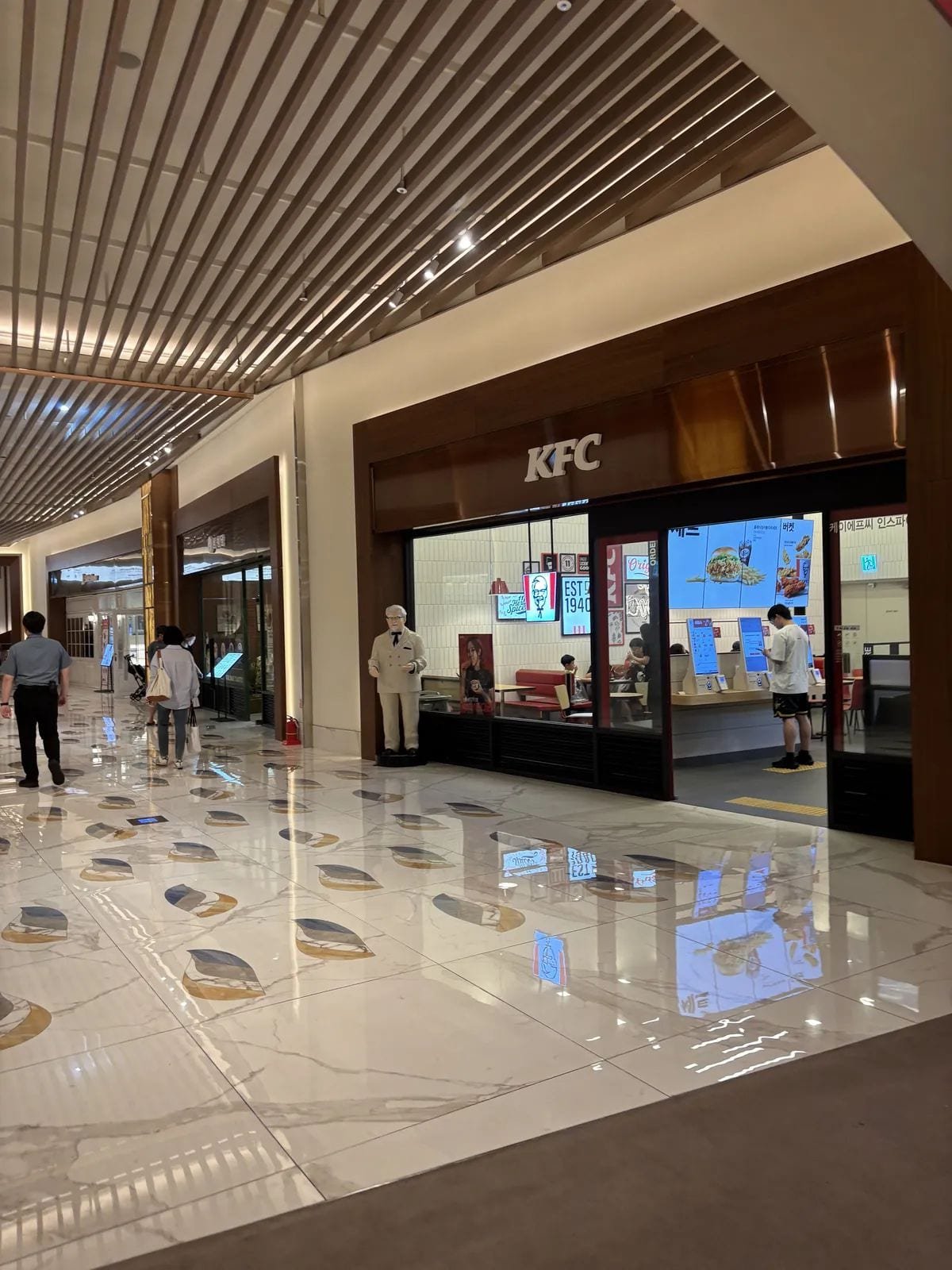
Is it a waitlist or an ordering kiosk?
Not every tablet beside a restaurant door is a Tableing kiosk. The KFC photo above shows self-ordering kiosks, not Tableing waitlist registration; the other two body photos are dining references. Restaurants may also use other systems, handwritten lists or ordinary numbered tickets. Look for 테이블링 or the current Tableing branding.
It also helps to separate three things that travelers often call “a reservation”:
- 웨이팅 means a waitlist. You are joining a line, not booking an exact seating time.
- 예약 means a reservation for a date and time.
- 원격줄서기 means remote queuing before you reach the venue.
If a restaurant page shows one of these options but not the others, that is normal. A branch may accept on-site waiting while remote queuing is closed. Another may take reservations but stop walk-in registration when the kitchen is nearly finished for the day.
How to Join at a Restaurant Kiosk
The screens vary by restaurant, but you’ll usually start with your party size and contact details.
1. Check that registration is open
Look for words such as 대기 접수 (join the waitlist), 현장 대기 (on-site waiting) or 웨이팅 마감 (waitlist closed). A powered-on tablet does not guarantee that the restaurant is still accepting names.
2. Choose your party size
Use the number of people who will actually eat. Some restaurants separate parties by table size, so adding or removing a person later may affect when you can be seated.
Useful screen words include:
- 인원 — number of people
- 성인 — adult
- 아동 / 어린이 — child
- 유아 — infant or young child
- 테라스 / 실내 — terrace / indoor seating
Seating choices can have separate queues. If the kiosk offers a terrace, counter or indoor table, choose the one that suits your party.
3. If the kiosk asks for a Korean number
A working phone number matters because the call may arrive by KakaoTalk or SMS. If the screen doesn’t accept your number, staff can explain that kiosk’s visitor options and how you’ll be called. A made-up number could send the alert to someone else.
Tableing’s December 2019 merchant guide described a temporary four-digit option for visitors without a Korean number. That older setup may not be available at your restaurant, so ask staff about it rather than entering four digits into a regular phone-number field.
If you are stuck, say:
외국 번호만 있어요. 대기 등록 도와주세요.
Oeguk beonhoman isseoyo. Daegi deungnok dowajuseyo.
“I only have a foreign number. Please help me join the waitlist.”
A translation on your phone can also help staff understand what you need.
4. Keep your queue number
A screenshot of the confirmation screen, where permitted, keeps your queue number, party size and arrival instructions together. If the restaurant gives you a paper ticket, keep it until you are seated.
5. Ask how you will be called
The restaurant may call you by a display, staff announcement, KakaoTalk or SMS. Before walking away, ask which one to follow.
Ask:
제 차례가 되면 어떻게 알려 주시나요?
Je charyega doemyeon eotteoke allyeo jusinayo?
“How will you let me know when it is my turn?”
If staff give you a paper number or point to a display, stay close enough to see or hear it.
Why the Line May Look Shorter Than It Is
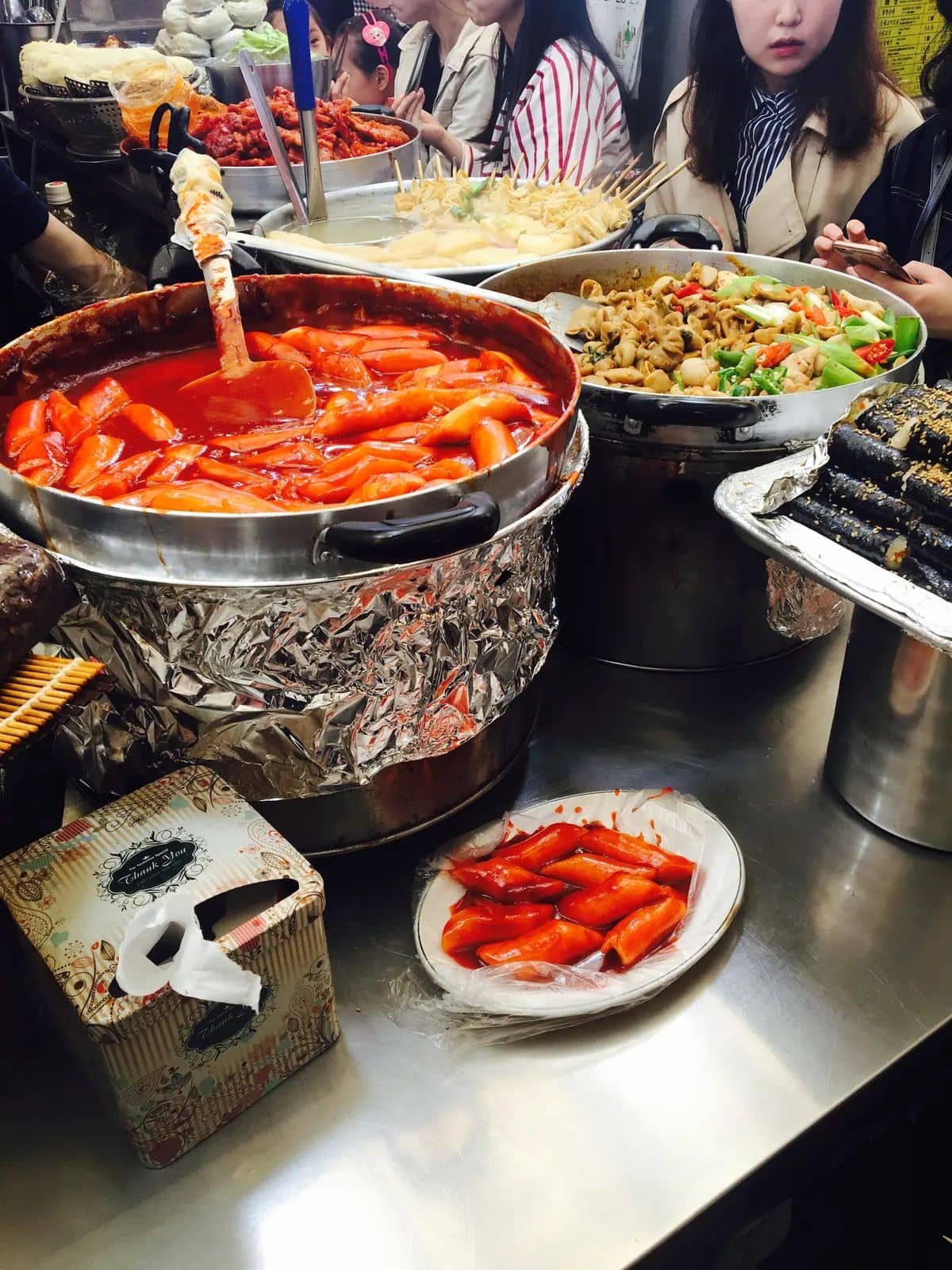
A digital waitlist lets people wait elsewhere. Some guests may be in a nearby café, while others have joined remotely and are still on their way. There can be plenty of groups ahead of you even when the entrance looks quiet.
The app’s count gives you a better idea of the queue than the crowd outside, but it won’t tell you exactly how long you’ll wait. A table for two may open while a larger group keeps waiting. Diners stay for different lengths of time, and staff may need a few minutes to clear tables or catch up in the kitchen.
A long wait can run into your next plan, so leaving some room before a timed ticket or tour makes the meal easier to fit in.
How Remote Queuing Works
Remote queuing is useful before you leave for the restaurant, as long as your account can register and that branch has remote waiting open.
A typical flow is:
- Find the correct restaurant and branch in the app.
- Check whether 원격줄서기 is open.
- Read the party-size, menu, arrival, and confirmation conditions shown.
- Join the line and save the confirmation.
- Watch the number of teams ahead and any visit-intent notification.
- Travel to the restaurant early enough to complete its arrival step.
- Wait for the final seating call.
The branch check matters. A chain name can lead to several listings in the same district, and joining the wrong location will not hold a table at the branch in front of you.
How to confirm your arrival
Some branches ask remote guests to confirm that they’ve arrived, with the method and deadline shown in the app. If you joined at the restaurant’s kiosk, Tableing says you don’t need this separate arrival check.
The linked 윤밀원 listing, checked on October 18, instructed remote guests to arrive before only one team remained ahead, get the six-digit code from the on-site waitlist device, and enter it in the app. It warned that missing this step would cancel the queue position. This is one branch’s published example; its current instructions may differ.
Where location-based confirmation is available, look for 내 위치로 도착 인증하기 (“Confirm arrival with my location”) in the app once you’re near the restaurant. It needs location access, and you’ll need to be within the area set by that branch. If the app asks for a code instead, follow that method.
You may also get a separate 방문할게요 (“I’ll come”) message asking whether you still plan to visit. Reply by the deadline shown; depending on the branch, leaving it unanswered can cancel your place. This reply doesn’t replace arrival confirmation, and neither one is the final call to enter.
Allow a little time to get from the subway to the restaurant. Even after your train arrives, elevators, street crossings and the walk to the entrance can take a few more minutes.
Can foreign travelers use Tableing?
The iPhone App Store lists Korean as the app language. Tableing supports email sign-up, but an account does not mean every phone identity check will work with an overseas number. A data-only eSIM gives you internet access, not a Korean voice or SMS number; even a tourist SIM may not meet every identity-check requirement.
At the restaurant, staff can explain whether the kiosk accepts your number or whether they can register your party another way. If they cannot contact you when it’s your turn, another restaurant nearby may be easier. Our Korea eSIM and SIM guide explains the phone-number options.
While you wait nearby
The queue can move quickly while you’re away, so a café close to the restaurant is a better choice than one across the neighborhood. A short coffee line helps, too. If you wait outside the restaurant, leave room for people to come and go.
Some branches offer 순서 미루기 to move your turn later. The app shows the available uses, up to three; the option may disappear as your turn gets close or after the restaurant calls you. It changes your place in line, not the restaurant’s arrival rules.
Keep your group within easy reach, too. Some restaurants need everyone present before seating, so it helps to know that branch’s rule before people head off separately.
When Your Turn Arrives
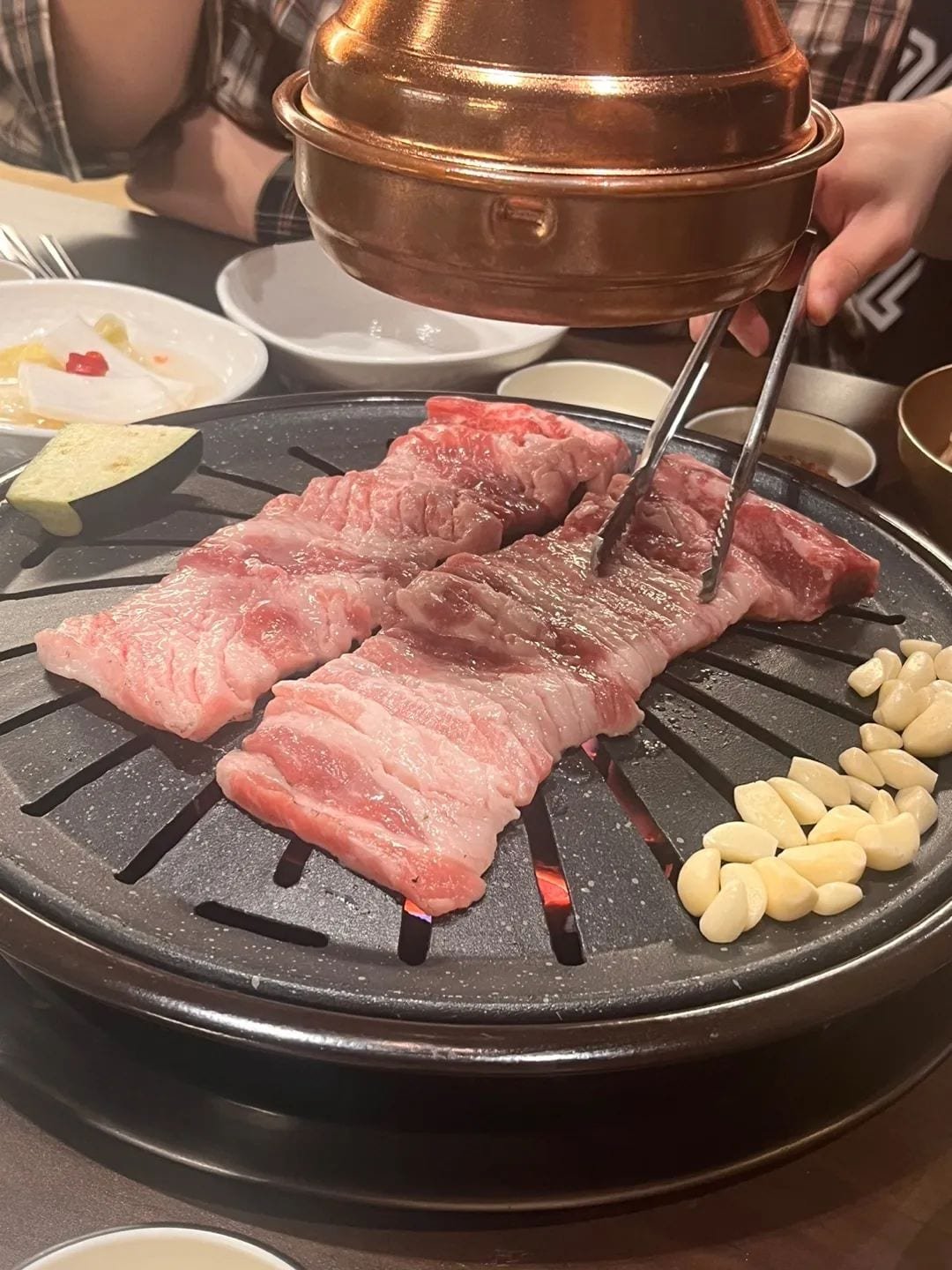
Head back as soon as you are called. Show the confirmation screen or ticket, state your party size, and wait for staff to lead you to the table.
혹시 저 부르셨어요? (Hoksi jeo bureusyeosseoyo?) means “Did you call me?”
대기번호 여기 있어요. (Daegi beonho yeogi isseoyo.) means “My waitlist number is here.”
Once you’re seated, you can turn to the menu. If table bells, self-service water, banchan refills or payment at the counter are unfamiliar, read How to Order at Korean Restaurants 2026: Bells, Water & Banchan before the meal.
At a barbecue restaurant, also check the minimum order and whether staff cook the meat. Solo travelers can prepare with Korean BBQ for Solo Travelers 2026: 1-Person BBQ, Ordering Rules & What to Expect.
If you miss a call or arrival check
Show staff your queue screen or ticket so they can check what happened. Your turn may have been postponed or skipped, or your waitlist entry may have been canceled. They may not be able to put you back in your original place.
Before making a long trip for a Tableing restaurant, see whether your account can complete its registration steps. One nearby alternative makes it easier to change plans if neither the app nor the on-site process works for your party.
Sources
App language, sign-up and arrival guidance checked on November 2, 2026. The restaurant-specific example was checked on October 18, 2026. Features and branch instructions can change.
- Tableing: remote waiting and arrival confirmation
- Tableing: email account sign-up
- Tableing: phone identity checks
- Tableing on Google Play — current feature overview and update date
- Tableing on the Apple App Store — supported language and 2026 version history
- Tableing official restaurant listing example — venue-specific arrival confirmation
- Tableing official merchant guide — kiosk alerts and legacy foreign-visitor setup
- Tableing official website