Trip Essentials
5 Korea Travel Apps You Actually Need: Maps, Taxis, Trains & Translation
Table of Contents
Why Local Map Apps Are More Useful in Korea
Google Maps is useful in South Korea for place information, reviews, and broad route planning, but its local walking and driving guidance can be less detailed than visitors expect. Naver Map and KakaoMap generally provide better local transit information, station exits, and walking routes.Which App Do I Actually Need?
These apps overlap, but they solve different parts of a trip. Use a map app for directions, a taxi app for a ride request, and a ticketing app when you need to reserve an intercity bus.
| App | Directions | Place Search | Taxi Booking | Intercity Transport | Account Note |
|---|---|---|---|---|---|
| Naver Map | Walking, driving, and public-transit routes | Detailed Korean place and address search | Shows estimates; use a taxi-booking app to request a ride | Useful for planning, not the main ticketing app | Basic map, search, and routes work without signing in; a Naver account is needed to save and sync items |
| KakaoMap | Walking, driving, cycling, and public-transit routes | Detailed local place search | Use Kakao T for ride requests | Useful for route planning, not the main ticketing app | Saved, shared, or other Kakao-linked features may require a Kakao account |
| Kakao T | Mobility search inside the app | Destination search for supported services | Yes | Offers train and intercity-bus services in Korea | An account and service verification are required; payment and verification support can vary for overseas visitors |
| TmoneyGO | Not a general walking-navigation app | Searches supported terminals and routes | Not its main use in this comparison | Express, intercity, and airport-bus search and booking | App account and payment setup are required; confirm international-card support before relying on it |
For a first trip, Naver Map is the usual starting point for directions. Keep KakaoMap as a second map when a place or route is difficult to find. Use Kakao T or the traveler-focused k.ride for taxis, and install TmoneyGO only when its bus-booking routes fit your itinerary.
For English settings, account requirements, and search troubleshooting, see our Naver Map English guide.
Last verified: October 2, 2026. Official feature references: KakaoMap, Kakao T, and Tmoney express and intercity services.
1. Navigation: Naver Map
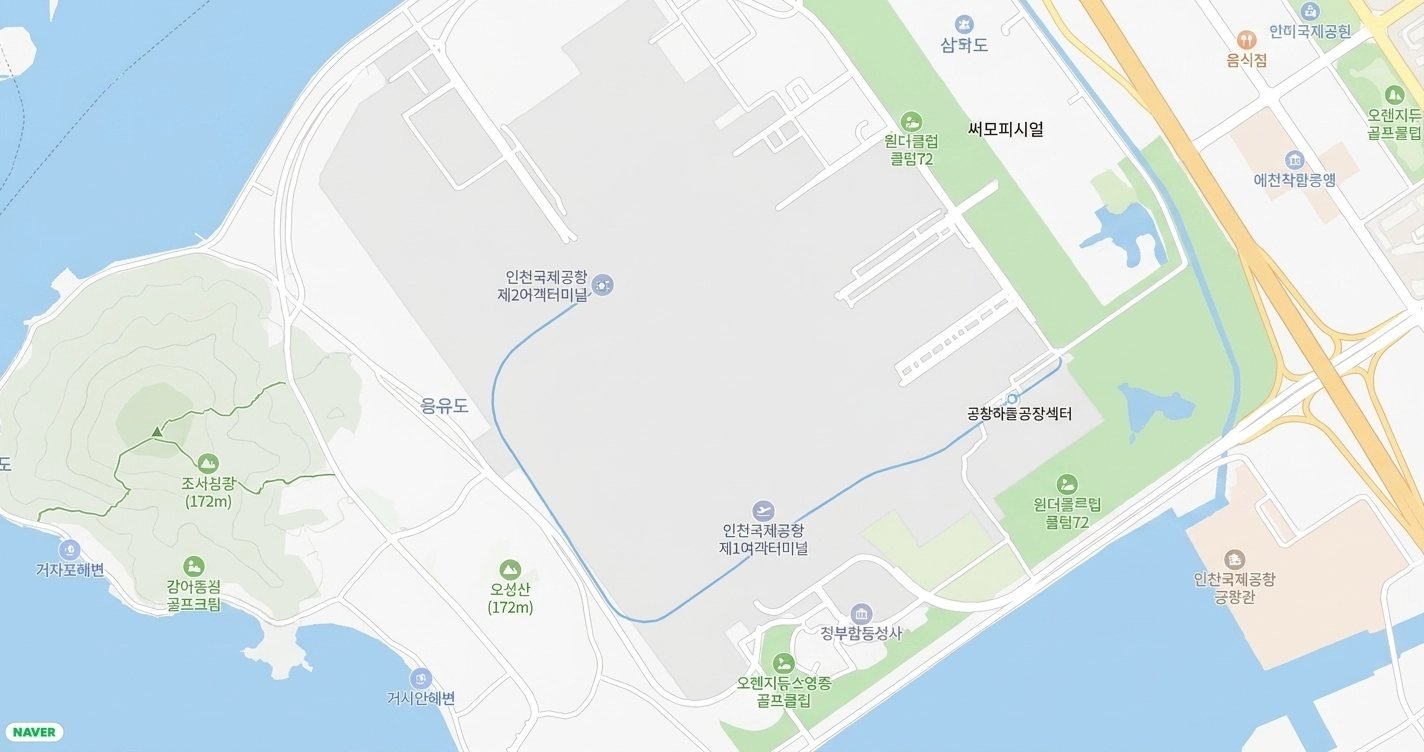
- Key features: Real-time public transit tracking, walking directions, numbered subway exit guidance, and bookmarking favorite spots.
Pro tip: While the English interface is solid in Seoul and Busan, searching for a small cafe or local business can be easier if you paste its Korean name or address.
2. Taxi Booking: k.ride (or Kakao T)

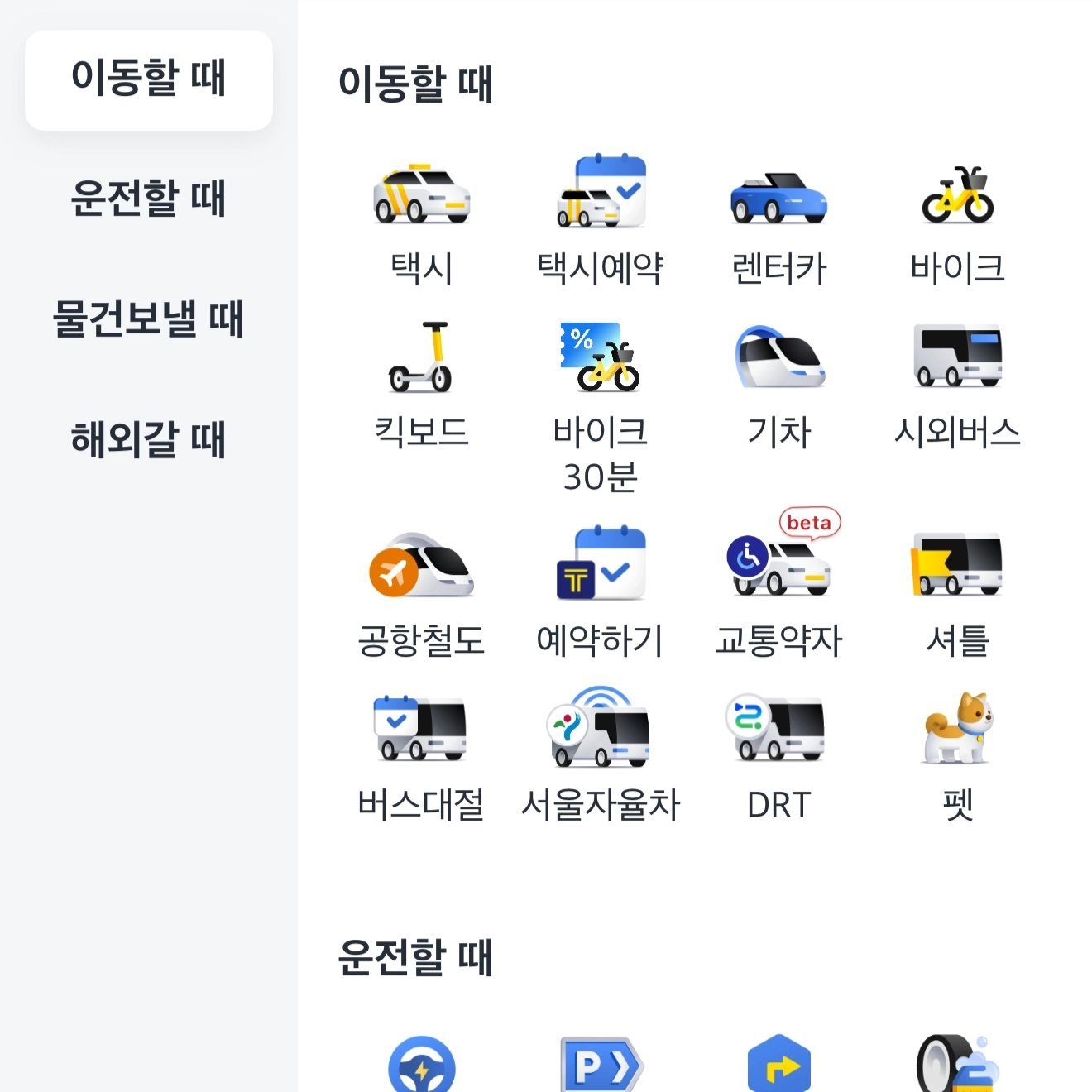
- No Korean phone number required: Register with an international number or supported social account.
- Overseas payment friendly: Supports major international payment methods.
- Multilingual support: Search destinations and use the service in supported languages.
3. Translation: Naver Papago

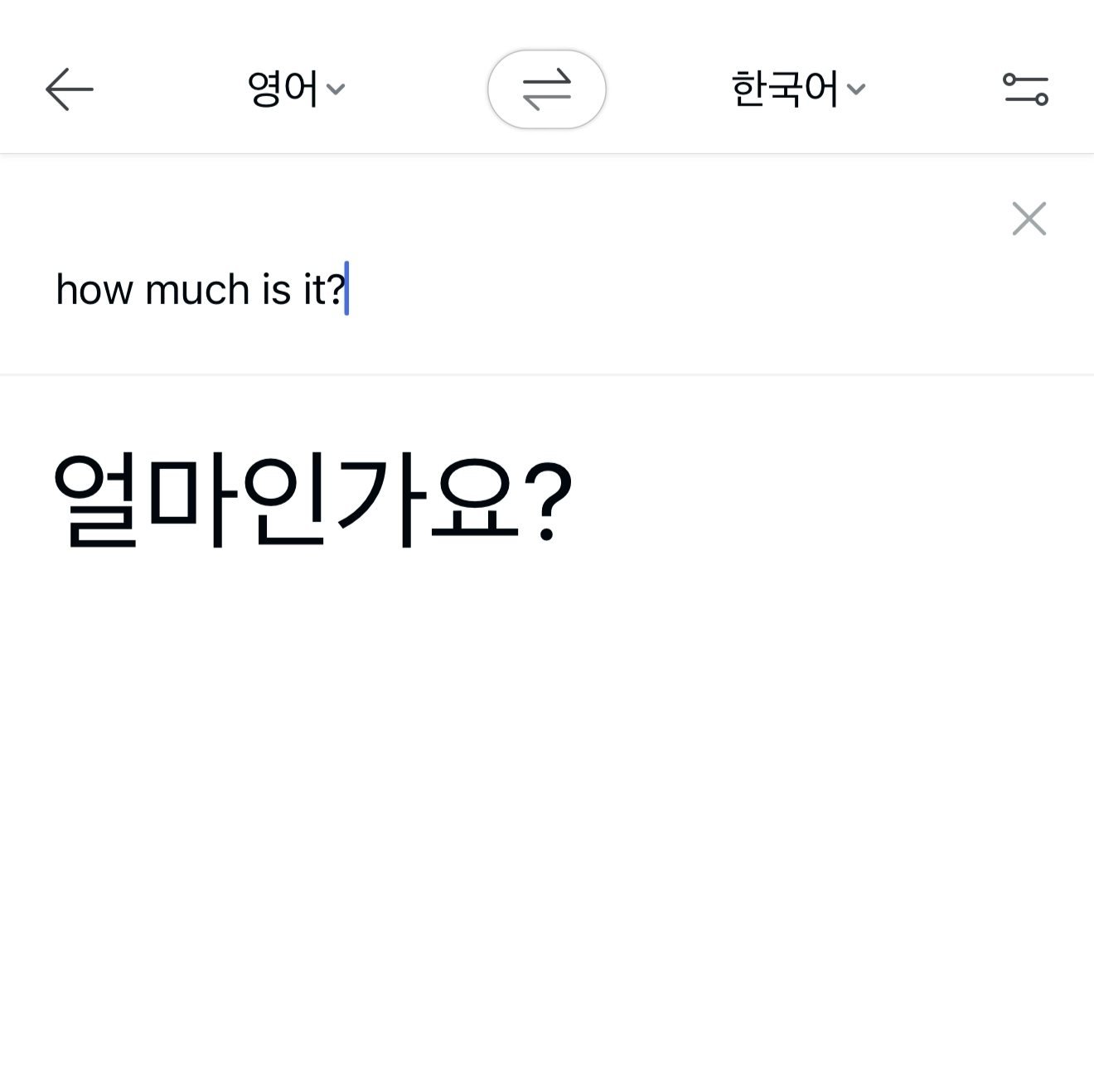
- Image translation: Take a photo of restaurant menus, road signs, subway notices, or store receipts for quick translation.
- Voice and conversation mode: Useful when speaking with pharmacists, taxi drivers, or market vendors.
Important: For medical concerns, serious food allergies, or legal documents, always double-check important terms to avoid misunderstandings.
4. Intercity Trains: KORAIL+
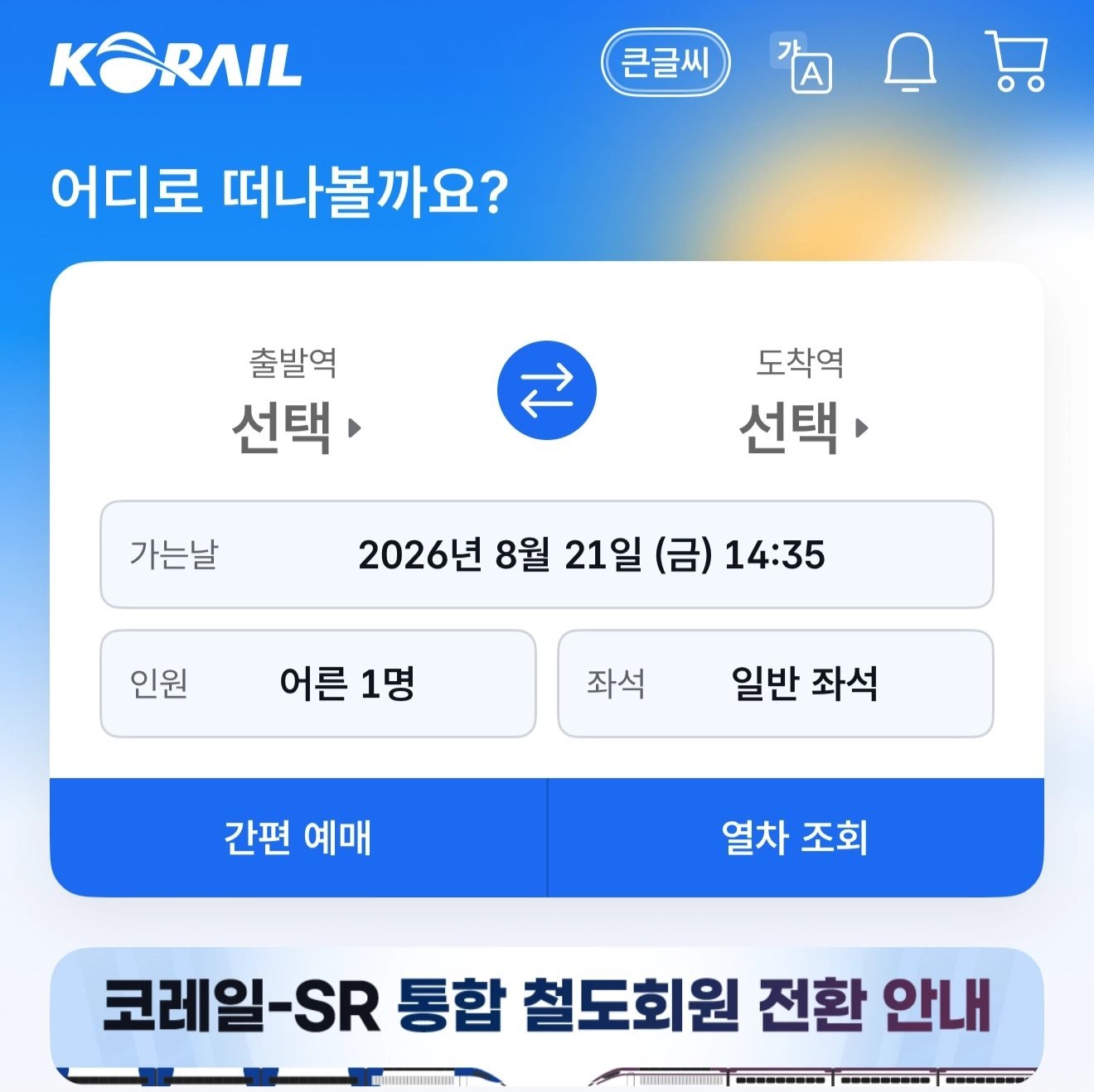
- Booking tip: Train tickets for Friday evenings, weekends, and major Korean holidays such as Chuseok and Lunar New Year can sell out. Book as soon as your travel dates are fixed.
- SRT note: SRT trains departing from Suseo are operated separately and are not booked through KorailTalk.
5. Payments and Transit: WOWPASS
- All-in-one utility: Use it for in-store purchases where supported and tap into subways and buses with its separate T-money balance.
- Multi-currency top-up: Add funds using supported foreign currencies or international payment methods through the app and dedicated machines.
- App tracking: Link the card to the WOWPASS app to monitor the prepaid payment balance and recent spending. The T-money transit balance is separate.
Other Useful Korea Travel Apps
- VisitKorea: The official travel app from the Korea Tourism Organization, useful for regional guides, seasonal festivals, and attraction information.
- Subway Korea: A lightweight transit map focused on Seoul and metropolitan subway networks.
Frequently Asked Questions
Does Google Maps work in South Korea?
Google Maps works for finding place information, viewing user reviews, and checking basic route overviews. For more detailed local walking and public-transit guidance, compare the route with Naver Map or KakaoMap.Do I need a Korean phone number to use these travel apps?
No. Naver Map and Papago can be used without a Korean number, and k.ride is designed to support international travelers. Available registration and payment options can vary by device and account region.Which two apps should I download first?
If you are boarding your flight right now, install Naver Map for navigation and Papago for translation. These two apps cover two of the most common needs: finding your way and understanding Korean text.Official links: Naver Map, k.ride, Papago, and KORAIL.