Tableing Korea Guide 2026: Restaurant Waitlists, Kiosks & Remote Queuing
The restaurant door is open, there are empty chairs inside, and nobody seems to be standing in line. Then a staff member points to a tablet beside the entrance.
That small screen may be the line.
At popular restaurants in Korea, a waitlist is often managed digitally. Tableing Korea, written 테이블링 in Korean, is one of the services you may see. Depending on the restaurant, you might join on a kiosk at the door, use the app to queue before arriving, or confirm that you have reached the restaurant after starting remotely.
For CatchTable Global bookings, use our separate booking guide.
The idea is simple. The practical details are not always simple for a visitor, especially when a screen is in Korean or asks for a local phone number. This guide explains what to look for, which step people most often miss, and what to do when the app is not usable on your phone.
Information checked September 30, 2026. Tableing features, arrival rules and restaurant settings can change. Follow the instructions shown for the specific restaurant rather than treating any one screen as universal.
Table of Contents
How Tableing Works in Korea
There are two main routes:
- On-site waiting: You reach the restaurant, use its kiosk or ask staff to register your party, and receive a queue position.
- Remote queuing: You join through the Tableing app before arrival, then follow that restaurant’s arrival-confirmation instructions and deadline.
Tableing’s current app listings describe restaurant search, estimated wait information, remote line-up, and postponing a turn at participating restaurants. That does not mean every restaurant enables every feature.
For a short-term traveler, the safest plan is to treat the app as useful when it works—not as your only route to dinner. The iPhone listing currently names Korean as the app language, and phone information is part of the service’s account data. If registration stops at Korean mobile verification, go to the restaurant and ask about its walk-in process instead of entering a made-up number.
First, Check Which Kind of Line You Are Looking At
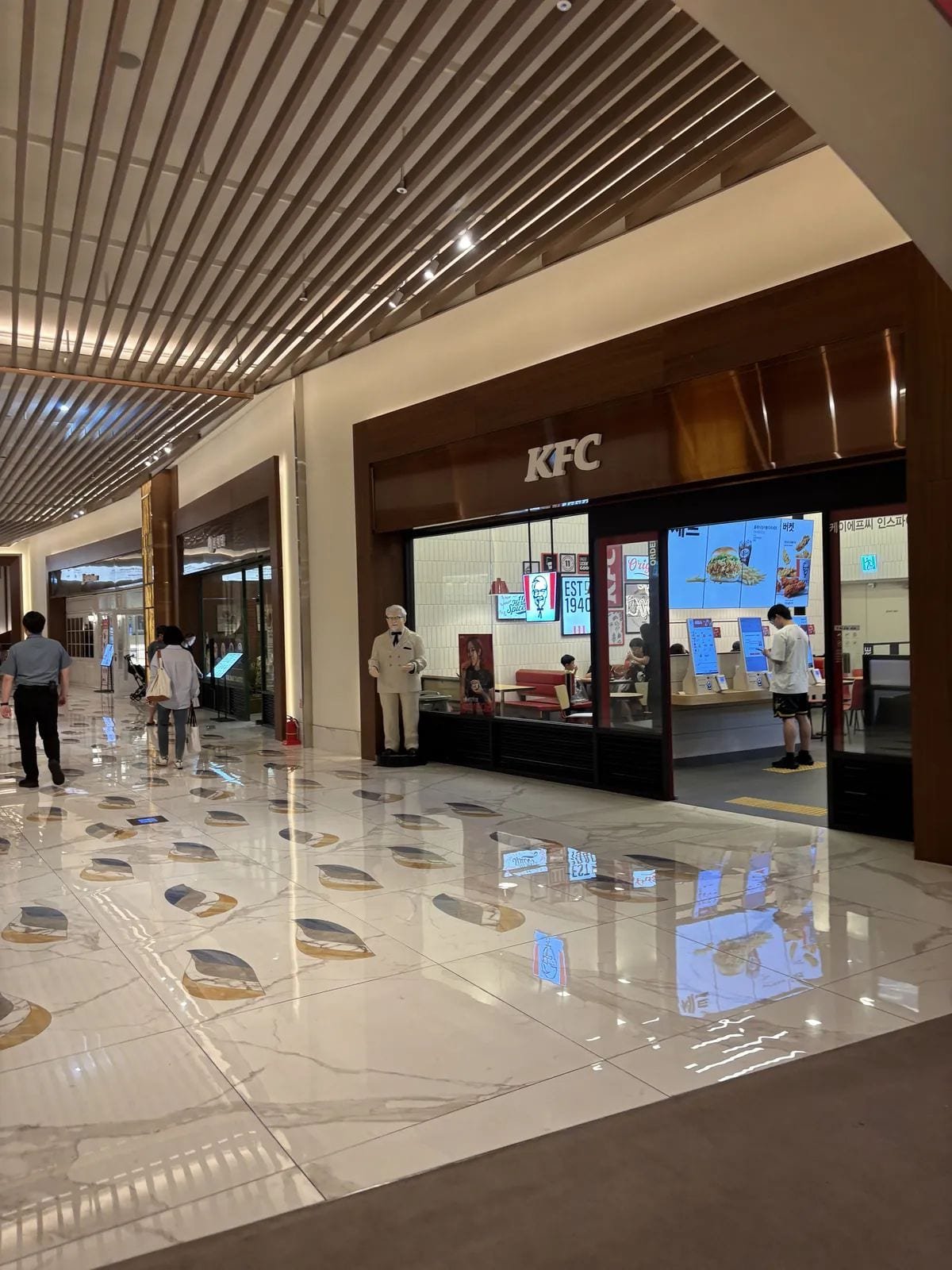
Not every tablet beside a restaurant door is a Tableing kiosk. Restaurants may also use other proprietary systems, handwritten lists, or ordinary numbered tickets. Look for 테이블링 or the current Tableing branding before following app-specific advice.
It also helps to separate three things that travelers often call “a reservation”:
- 웨이팅 means a waitlist. You are joining a line, not booking an exact seating time.
- 예약 means a reservation for a date and time.
- 원격줄서기 means remote queuing before you reach the venue.
If a restaurant page shows one of these options but not the others, that is normal. A branch may accept on-site waiting while remote queuing is closed. Another may take reservations but stop walk-in registration when the kitchen is nearly finished for the day.
How to Join at a Restaurant Kiosk
The exact layout varies, but the useful order is usually straightforward.
1. Check that registration is open
Look for words such as 대기 접수 (join the waitlist), 현장 대기 (on-site waiting) or 웨이팅 마감 (waitlist closed). A powered-on tablet does not guarantee that the restaurant is still accepting names.
2. Enter the real party size
Use the number of people who will actually eat. Some restaurants separate parties by table size, so adding or removing a person later may affect when you can be seated.
Useful screen words include:
- 인원 — number of people
- 성인 — adult
- 아동 / 어린이 — child
- 유아 — infant or young child
- 테라스 / 실내 — terrace / indoor seating
If the kiosk asks you to choose a seating area, do not tap the first available option unless you are comfortable with it. Outdoor, counter and regular-table queues may move differently.
3. Handle the phone-number screen honestly
Many digital waitlists use a number to send KakaoTalk or SMS alerts. Try your number only if the screen clearly supports its format. Do not borrow a stranger’s number or invent one simply to move forward; you may never receive the call notice.
Tableing’s older official merchant guidance described a temporary four-digit option for foreign visitors without a Korean number. That should not be treated as a promise that every current kiosk offers the same setup. Restaurant configurations vary, and the staff may need to activate or explain the local method.
If you are stuck, say:
외국 번호만 있어요. 대기 등록 도와주세요.
Oeguk beonhoman isseoyo. Daegi deungnok dowajuseyo.
“I only have a foreign number. Please help me join the waitlist.”
You can also show a translation on your phone. This is faster and safer than guessing what the field expects.
4. Save the result
Photograph or screenshot the confirmation screen if the restaurant permits it. Keep the queue number, party size and any arrival instruction together. If you receive a paper ticket, do not lose it.
5. Ask how you will be called
Do not assume that an empty phone inbox means nothing is happening. A restaurant might use a display, staff announcement, KakaoTalk notification, SMS or a combination.
Ask:
제 차례가 되면 어떻게 알려 주시나요?
Je charyega doemyeon eotteoke allyeo jusinayo?
“How will you let me know when it is my turn?”
If staff give you a paper number or point to a display, stay close enough to see or hear it.
Why the Line May Look Shorter Than It Is
A digital waitlist spreads people out. Some guests are in a nearby café. Others joined remotely and are walking toward the restaurant. That is why five people outside can still mean twenty teams ahead.
The number of teams is more useful than the visible crowd, but it is not a stopwatch. A two-person table may open while a larger party keeps waiting. Diners stay for different lengths of time, and a restaurant can pause seating when it needs to reset tables or catch up in the kitchen.
Use the displayed estimate as a planning clue, not a guaranteed appointment. Avoid scheduling a ticketed attraction immediately after a famous meal.
How Remote Queuing Works
Remote queuing sounds like a reservation, but it is closer to getting into a moving line from somewhere else.
The current Tableing app description says users can check estimated waits, join before arriving and use a postponement feature when they cannot reach the restaurant on time. It also notes that some waitlist registrations can include menu choices in advance.
A typical flow is:
- Find the correct restaurant and branch in the app.
- Check whether 원격줄서기 is open.
- Read the party-size, menu, arrival, and confirmation conditions shown.
- Join the line and save the confirmation.
- Watch the number of teams ahead and any visit-intent notification.
- Travel to the restaurant early enough to complete its arrival step.
- Wait for the final seating call.
The branch check matters. A chain name can lead to several listings in the same district, and joining the wrong location will not hold a table at the branch in front of you.
Arrival Confirmation Is the Step You Cannot Ignore
Starting a remote queue does not always finish the process.
Some restaurant listings instruct remote guests to arrive by a particular point in the queue and confirm at the on-site device. Tableing’s 2026 iPhone version history also shows that arrival authentication has been changing, including location-based confirmation and an extra check on whether the guest still intends to visit.
That means an old tutorial showing one six-digit code may no longer match your screen. Follow the live instructions in the app and on the restaurant listing.
Do not wait until your number becomes first to begin walking over. If the app says to confirm before a stated cutoff, aim to arrive with a buffer. Seoul subway exits, elevators and crowded crossings can turn a short map distance into a longer walk.
If you miss a step, show staff your active waitlist screen. They may be able to explain the status, but do not assume they can restore a canceled position.
Can Foreign Travelers Use Tableing?
Sometimes—but the answer depends on what you mean by “use.”
You may be able to read a restaurant page, use an on-site process with staff help, or join with a Korean number that meets the account requirements. That does not make the full app an easy visitor product.
As of this check, Apple’s listing identifies the app language as Korean. The app’s sign-up and notification flows also involve phone information. A data-only eSIM does not give you a Korean voice or SMS number, and even a tourist SIM should not be assumed to satisfy every identity-verification flow.
If having a reachable Korean number matters to your restaurant plan, compare it with your data needs before buying a SIM. Korea eSIM vs. Physical SIM Card: Which Is Better for Travelers? (2026 Guide) explains the difference.
For travelers without a usable Korean number, this order is practical:
- Check the restaurant door for an on-site kiosk and any foreign-language option.
- Ask staff to register you or explain the alert method.
- See whether the restaurant also uses a visitor-friendly reservation platform.
- Choose a nearby alternative if the system cannot contact you.
There is no shame in changing restaurants. A waitlist tool should help you eat, not consume the evening.
What to Do While You Wait
Stay close enough to return quickly, but do not block the entrance. If the app shows your place in line, glance at it regularly instead of relying on the first estimate.
Before leaving the area, confirm:
- Whether the restaurant calls by notification, display or voice
- Whether you need to confirm arrival
- How many teams can remain ahead when you must return
- Whether one postponement is available and what it changes
- What happens if your entire party is not present
Do not split the group so widely that one person cannot gather everyone. Some restaurants will not seat an incomplete party during a busy period.
If you want coffee while waiting, pick somewhere close and order simply. The goal is not to create a second queue that traps you.
When Your Turn Arrives
Head back as soon as you are called. Show the confirmation screen or ticket, state your party size, and wait for staff to lead you to the table.
혹시 저 부르셨어요? (Hoksi jeo bureusyeosseoyo?) means “Did you call me?”
대기번호 여기 있어요. (Daegi beonho yeogi isseoyo.) means “My waitlist number is here.”
Once seated, the waitlist system is finished; the restaurant’s ordering routine takes over. If table bells, self-service water, banchan refills or payment at the counter are unfamiliar, read How to Order at Korean Restaurants 2026: Bells, Water & Banchan before the meal.
At a barbecue restaurant, also check the minimum order and whether staff cook the meat. Solo travelers can prepare with Korean BBQ for Solo Travelers 2026: 1-Person BBQ, Ordering Rules & What to Expect.
Common Mistakes to Avoid
Joining the wrong branch
Match the address, map pin and branch name before registering.
Treating the estimate as a reservation time
The line can speed up or slow down. Keep monitoring it.
Walking too far away
Remote does not mean unlimited distance. Arrival rules still apply.
Missing the confirmation step
A queue position can be lost if the restaurant requires arrival confirmation and you do not complete it.
Entering a phone number that you cannot access
Without the alert, you may miss the call. Ask staff for the correct visitor route.
Assuming every Tableing restaurant works the same way
Features are set by the participating venue. Read that branch’s instructions each time.
A Low-Stress Plan for a Popular Restaurant
The night before, confirm the branch, opening hours and whether the venue uses reservations, remote queuing or on-site waiting. Save the Korean name and address.
On the day, check the live restaurant listing before making a long trip. If remote queuing is available and your account works, join only when you can realistically reach the restaurant. If not, arrive before your preferred meal time and use the on-site route.
Have one nearby backup restaurant saved. A backup is not giving up; it is how you keep one app screen from deciding the whole evening.
FAQ
Is Tableing the same as Catchtable?
No. They are separate restaurant platforms. A restaurant may use Tableing, Catchtable, another system or no digital system at all.
Is Tableing available in English?
The current iPhone App Store listing names Korean as the supported app language. Individual kiosks or restaurant instructions may offer foreign-language help, but availability varies.
Can I use Tableing without a Korean phone number?
The full app may be difficult if its registration or notification flow requires Korean phone access. At the restaurant, ask whether the kiosk has a visitor method or whether staff can register your party. Do not assume the same workaround is available at every venue.
Does remote queuing guarantee a table at an exact time?
No. It places you in a live waitlist. The pace depends on table turnover, party size and restaurant operations.
Do I have to be at the restaurant when I join remotely?
Not necessarily, but you must meet the arrival conditions shown by that restaurant. Some venues require confirmation near the restaurant or at its kiosk before a deadline.
What happens if I miss my call?
Policies vary. Your position may be delayed, skipped or canceled. Return promptly and ask staff what the current status allows.
Can one person queue for a whole group?
Often, one person can register the party, but the restaurant may require everyone to be present before seating. Enter the correct group size and check the venue’s rule.
Should I download Tableing before traveling to Korea?
If several target restaurants use it, installing it early lets you see whether your phone and account can complete the setup. Still keep an on-site and backup-restaurant plan.
Bottom Line
Tableing Korea makes more sense once you stop looking for a physical line.
At the door, identify the correct system, enter the real party size, save your queue information and find out how the restaurant will call you. For remote queuing, the important part is not just joining—it is reaching the correct branch and completing the live arrival instructions on time.
Travelers without a Korean number may need staff help or a different booking route. Plan for that before you are hungry, keep one nearby alternative, and let the waitlist serve the meal rather than take over the night.
Sources
- Tableing on Google Play — current feature overview and update date
- Tableing on the Apple App Store — supported language and 2026 version history
- Tableing official restaurant listing example — venue-specific arrival confirmation
- Tableing official merchant guide — kiosk alerts and legacy foreign-visitor setup
- Tableing official website